Forsaken Combat Fighting Join Checklist
Tick these before Play so the session is a fight, not a wrong-game refund of your evening.
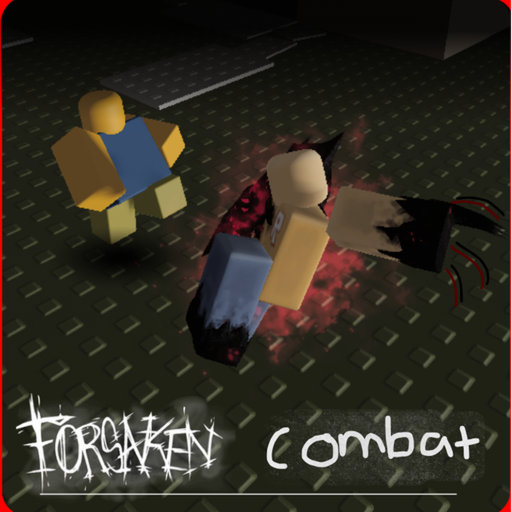
The practice checklist is a ten-minute warm-up after you are in a lobby. This page is the two-minute list before you press Play. It exists because the most expensive mistakes in Forsaken Combat Fighting happen in the search bar, the invite, and the first ten seconds of a remake week.
Print it in your head. Do not install an app that claims to automate it.
1. Identity
- Search Forsaken Combat, not the first tile that only says Forsaken.
- Creator is partyintheelivator13.
- Place ID is
126815230666914, or you opened the bookmark on the Links Hub. - Description mentions fighting with friends, bugs, and credits — not generators and a single killer.
- If any line failed, open not Forsaken horror and start over.
2. Social
- If you are meeting someone, they received the official link plus play with friends, not a one-word ping.
- You are not waiting on a VIP shop. Private servers are off.
- You accept a 14-player lobby. A silent 1v1 is a bonus, not a setting.
- Phone players have skimmed mobile.
3. Client health
- You can name last week’s feel. If yesterday was different, open the July 2026 snapshot and asset remake.
- You will re-check binds on controls if a button moved.
- You will not download a GUI because a thumbnail said July broke Block.
- You will retry once if the instance fails to start, then switch device or wait.
4. Rewards and junk
- You are not holding the session hostage for a code. The Codes Hub is still zero.
- You are not opening an executor to “prepare the lobby.” That conversation lives on the Scripts Hub as a warning.
- You are not bringing a horror-wiki Doombringer sheet. Use Doombringer if you even care about the name.
5. First ten minutes after Play
- Camera 360, jump, walk a square.
- One empty Block, one chosen Punch.
- Then either a short duel or the full practice checklist.
- One job from playstyles, written in chat if you have friends in the server.
If you skip straight to a 14-person pile-on, you skipped the tool. The pile-on will still be there in twelve minutes.
How this tool stays honest
We will add a tick box when a real feature appears: a redeem field, a VIP toggle, a new credited kit that stays visible. We will not add a box for invented season passes. The Updates Hub is the feed. This page is the gate.
Use it every session for a week. After that, you will only need the identity lines. Those lines never get old while two games share a name.
When a friend asks “are we on the right forsaken,” paste this URL. It is shorter than an argument and longer than a lie.
Pair the gate with getting started the first time, and with how to get good once the gate is boring. Tools on this wiki stay on this wiki. They do not ask for a session cookie.
If a step on this list starts failing for everyone you know, it is probably a remake week, not a skill issue. Log it, shorten the session, and come back. The fighter is live. It is also unfinished in the way the creator already admitted.
Frequently Asked Questions
Quick answers players ask before they queue again.
Is this the same as the practice checklist?
No. This is the pre-Play gate. The practice checklist is the in-lobby warm-up.
Do I need both tools every night?
Use this list every time you search. Use the practice checklist when you still lose to camera or empty Charge.
Why is VIP on the list if I cannot buy it?
So you stop waiting for a shop that this place does not enable.
Can I skip the identity ticks if I bookmarked the game?
You can shorten them. Keep one check that the tile is still partyintheelivator13, because search results reshuffle.